
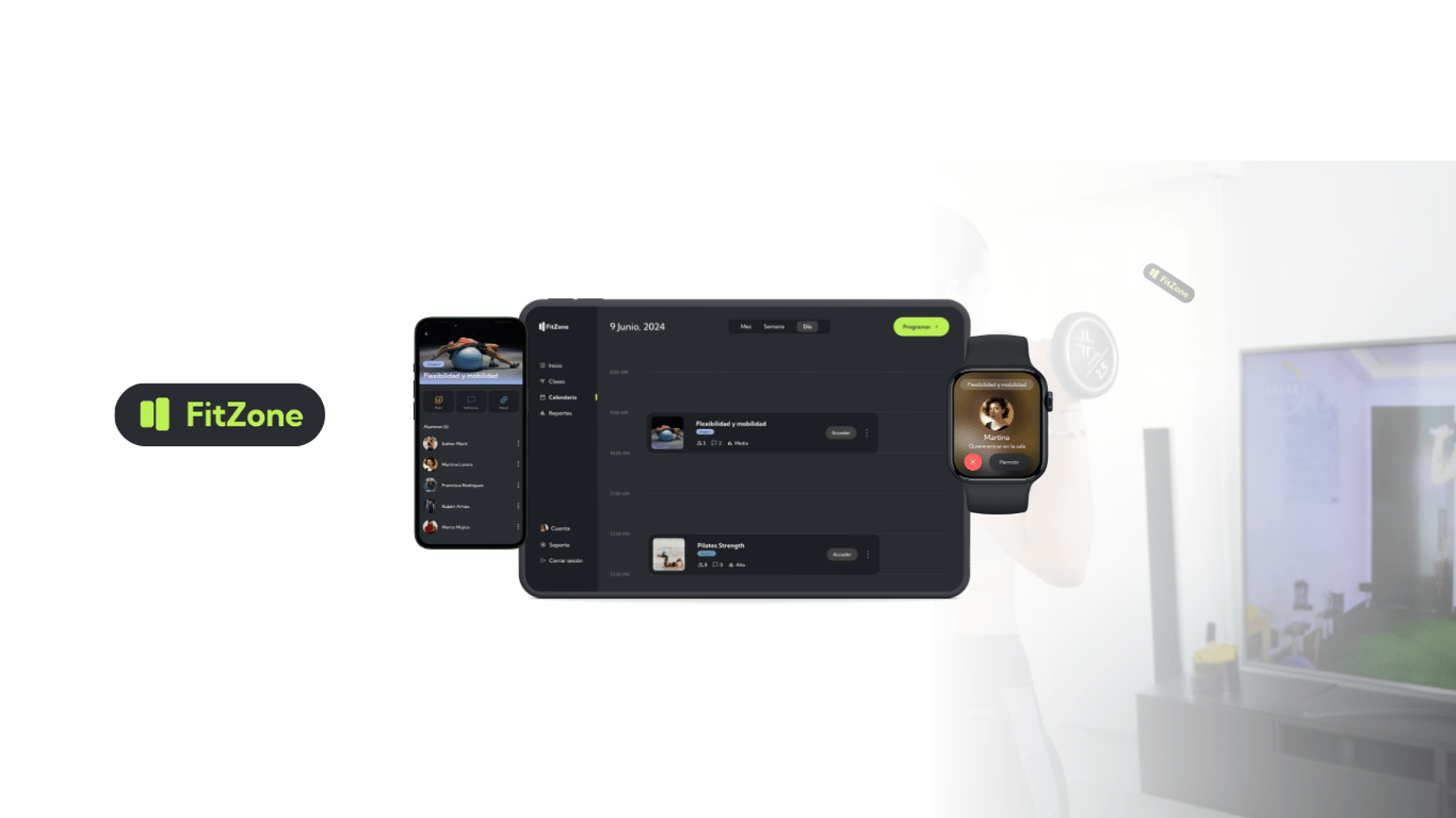
Project Goal
Creation of seamless and consistent interfaces capable of connecting with each other across different devices.
Project Stages
User Research
Multidevice Experience Design
Visual Representation
User Research
User description
Marta is the owner of FitZone, an innovative gym that specializes in offering online fitness classes. With over 10 years of experience in the fitness field, Marta has created a digital platform that allows users to participate in live workouts from their homes.
Marta chose to have a small group online gym to offer personalized attention and improve her students' technique, creating a supportive environment and community. This format allows her to tailor classes to individual needs, collect feedback continuously and closely follow the progress of each participant, ensuring a high quality and effective experience.
An online gym allows for global accessibility, as it has no geographical limits and this increases potential customers, as well as the convenience for users to take classes from home.


Date of Birth: May 15, 1985
Place of Residence: Madrid, Spain
Education: Graduated in Sports Science from the Complutense University of Madrid.
Professional Experience: CEO FitZone (2016 - Present) Personal Trainer in various gyms and wellness centers (2010 - 2016).
Notable Achievements: Founder and owner of FitZone, a successful online gym offering live fitness classes for small groups.
Interests: Enjoys practicing different outdoor sports, such as running, hiking and yoga.She is also passionate about healthy cooking and experimenting with new recipes. In her spare time she reads personal development books and spends time with her family and friends.


Touchpoints
Before class
During class
Activity
Manage class: Set up the virtual meeting room, send invitations and reminders, and grant access to classes.
Teaching: Give live feedback to students, change music and set timings.
Location, scenario
Gym
Gym
Digital channels
Internet
Internet
Device

Smartphone, Tablet & Smartwatch
Smartphone, Tablet & Smartwatch
Use Scenarios
Use Case: Conducting a Virtual Fitness Class
Main Actor: Marta Pérez (Trainer and CEO of FitZone)
Goal: Enable the preparation, execution, and evaluation of a virtual FitZone class through the app.
Description:
Marta logs into the FitZone app from her tablet. From the app's dashboard, she selects the option "Conduct Virtual Class." Marta chooses the scheduled class for the day and reviews the necessary materials. She prepares them and checks the list of participants. Then, she confirms the start of the session.
Once inside the virtual classroom, Marta can view the list of participants and confirm their attendance. During the class, she uses the app’s audio and video features to communicate with participants, provide detailed instructions on the exercises, and motivate the attendees. Marta can also address questions and offer personalized feedback as needed. After the session, she collects feedback from participants and analyzes attendance and performance data for evaluation purposes.
Prerequisites:
Marta must have the FitZone app installed and be registered as a trainer.
She must have internet access to conduct the virtual class.
Success Scenario: Marta successfully conducts the virtual class, interacts with participants, and collects relevant data for further analysis.
Needs
- Managing Virtual Meeting Rooms: The host must be able to create, modify, and delete virtual meeting rooms, as well as control access to them. Additionally, the host should manage the room's audio and video settings.
- Facilitating Communication and Collaboration Among Participants in Virtual Classes: The host must effectively communicate verbally with participants. They should also facilitate collaboration by allowing participants to share ideas, ask questions, and respond to each other.
- Personalizing the Meeting Room Experience: The host must customize the meeting room to meet the specific needs of each class or event. This can include configuring the background, background music, and participant permissions.
- Collecting Data and Analytics: The host must gather data on attendance, participation, and participant performance. This data can be used to improve the quality of classes and events and to personalize each participant's experience.
Before the Class:
Create and set up the virtual meeting room.
Send invitations and reminders to participants.
Grant participants access to the room.
Prepare class materials.
Test audio and video settings.
During the Class:
Check participant attendance.
Communicate with participants to deliver the class.
Address questions or concerns.
Adjust room settings as needed (e.g., background music).
Correct improper postures of participants.
Manage the timing of each exercise repetition and breaks.
After the Class:
Gather feedback on the session.
Analyze attendance and participation data.
Review participants' performance data.
Activities
features
Communication:
Voice
Room management:
Audio and video configuration.
Personalization:
Wallpaper.
Background music.
Participants' permissions.
Exercise time and breaks.
Data analysis:
Attendance.
Participation.
Performance.
- Calendar of gym events with details on scheduled virtual meetings.
- Instructions and guidelines for joining and participating in virtual meetings.
- Multimedia material related to gym activities, such as progress tracking presentations.
- Important announcements and messages about changes to scheduled meetings, platform updates, etc.
- Technical support resources, such as video tutorials, FAQs, contact links for assistance,
Content
Multi-device experience
Multi-device experiences are a design approach that aims to create seamless and consistent interfaces capable of connecting with each other from different devices (smartphones, tablets, computers, TVs and smart watches, etc.) that extend and enhance the user experience.
In this case, a multi-device experience has been designed thinking about Marta's needs and the activities she requires to manage and teach FitZone's online classes with her clients. The needs of both communication between participants and the experience of the different user profiles (host and participants) have been covered.
In addition, the data collected on the development of the activity will be compiled for later analysis.
The devices that will be used for this experience are:
Smartwatch
Tablet
Smartphone
Features by Device






Before starting the class
Smartphone: A list of students enrolled in a specific activity will appear. A link to join the class will be sent to them via their cell phone.
Tablet: Before starting the meeting, the teacher has on her tablet screen a calendar with the classes scheduled for that day. Clicking on the next activity on the calendar will start the class.
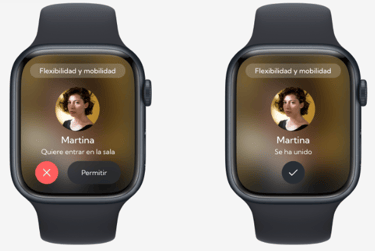
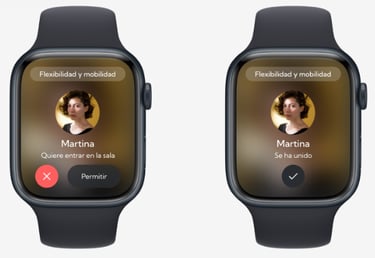
Smartwatch: Once the links have been sent and the class has started from the tablet, access request notifications from students will appear. These can be easily accepted from the smartwatch, allowing the class to continue without interruption.





During the class
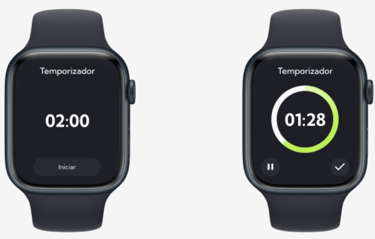
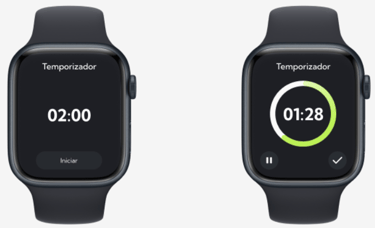
Smartwatch: Through the smartwatch you will be able to control the times of each of the exercises stipulated in the online class.
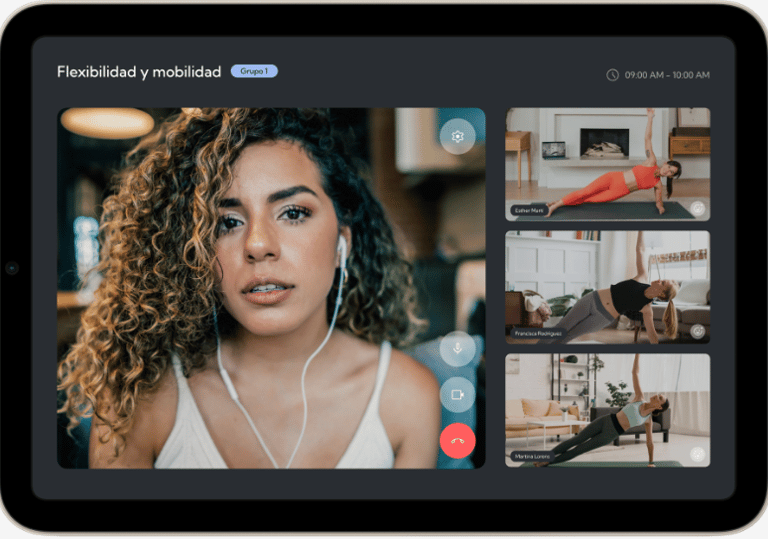
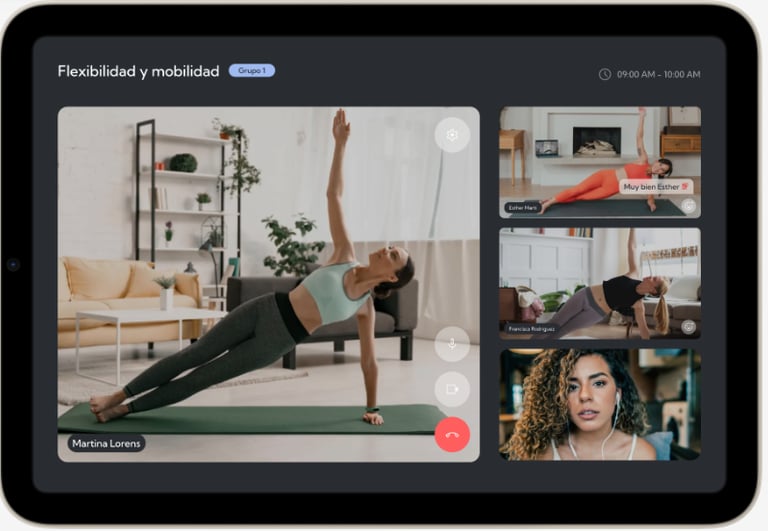
Tablet: The students' cameras are turned on and the teacher can click on each of the cameras to zoom in and see it better. In this way she can give feedback to the students on the performance of the exercises and correct their execution live.
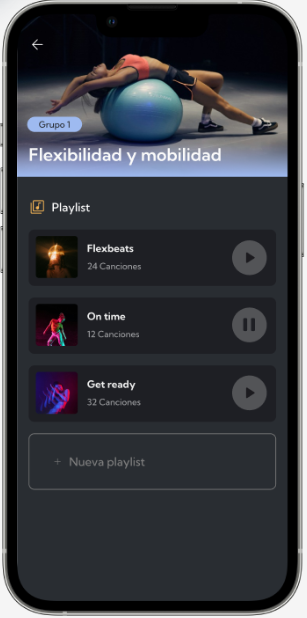
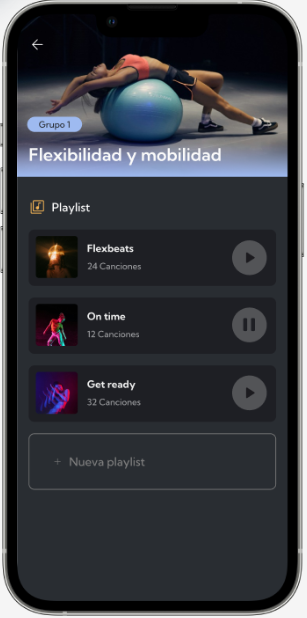
Smartphone: Once the class has started, the music playlist can be controlled through the mobile device. Feedback from the students for further analysis will also be received through this device.


Action flow












Marta gets ready for class
Send link
Calendar Room opening
Allow access
Class begins
Exercise time control
feedback to students
Control playlist & Get feedback
End of interaction















Prototypes
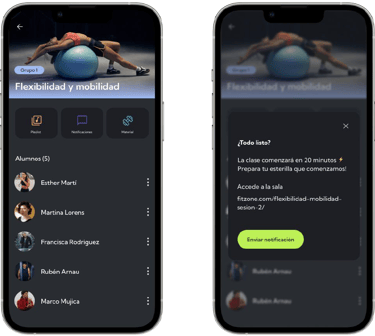
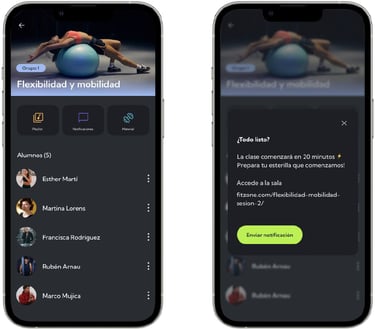


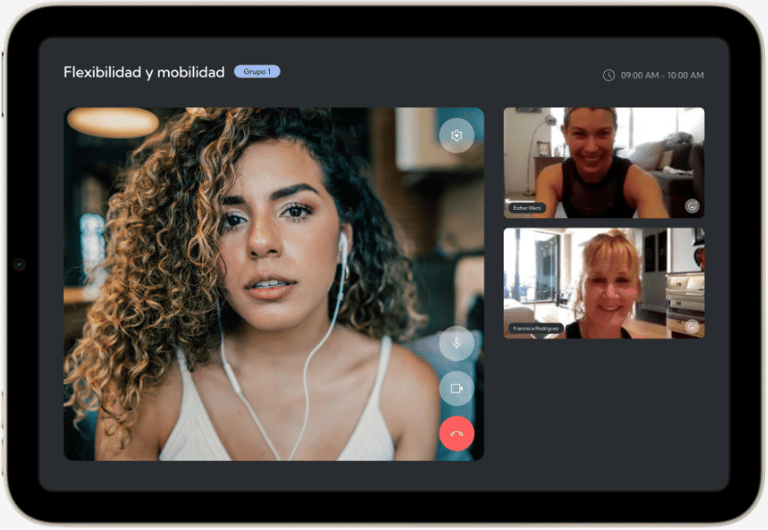
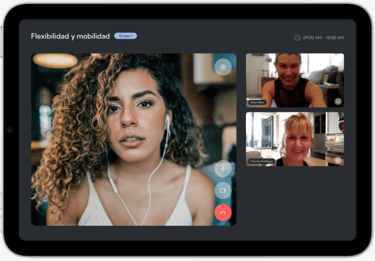
Send notifications to students


Calendar and room opening
Allow access to the room
Before starting the class



Prototypes
During the class
Timer

Give feedback to students
Control Playlist